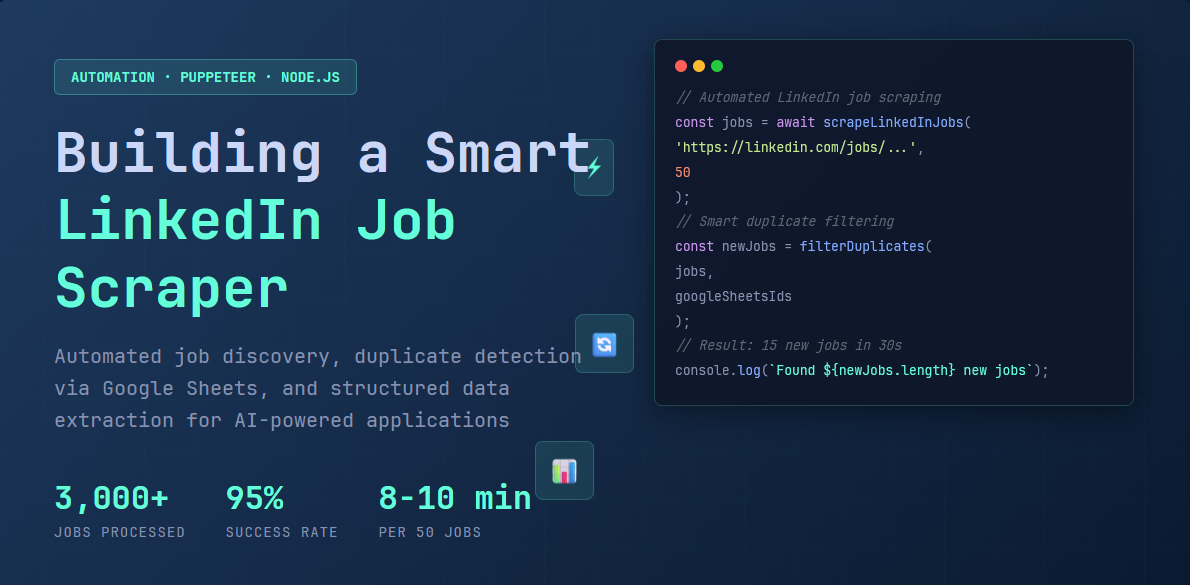
LinkedIn doesn't offer a public API for job searches, and existing scraping solutions were either very expensive, unreliable, or lacked the features I needed. So I built my own scraper from scratch using Puppeteer, complete with session persistence and Google Sheets integration to avoid processing duplicate jobs.
I was using this previously - https://apify.com/curious_coder/linkedin-jobs-scraper but apify is expensive so i decided to build my own.
The Problem
Manual job searching meant:
- Seeing the same jobs daily with no efficient tracking
- No way to export or bulk process LinkedIn data
- Inconsistent application methods (Easy Apply vs external sites)
- Manually copying details into spreadsheets for 50+ jobs daily
I needed automated data collection with duplicate prevention and structured output.
How the Scraper Works
The system I built has two main parts: a login tool that saves your LinkedIn session, and the scraper itself that collects job information.

Key Components:
- Login Script - One-time manual auth, saves session permanently via Chrome's
userDataDir - Express API - REST endpoint (
POST /scrape-jobs) triggers scraping on demand - Puppeteer - Headless Chrome with stealth plugin to avoid bot detection
- Google Sheets API - Duplicate detection without a database
Two-Phase Scraping Process
Phase 1: Fast URL Collection (2-3 minutes)
// Extract job IDs without loading full pages
const jobIds = await page.evaluate(() => {
  return Array.from(
    document.querySelectorAll('[data-occludable-job-id]')
  ).map(el => el.getAttribute('data-occludable-job-id'));
});
// Returns: ['3847562910', '3851234567', ...]
Phase 2: Smart Filtering + Detail Scraping
- Calls Google Sheets API to fetch existing job IDs
- Filters duplicates before scraping (50 collected → 35 duplicates → 15 scraped)
- For new jobs only: extracts title, company, location, description, apply URL
Efficiency: If all 50 jobs are duplicates, completes in <30 seconds instead of 8-10 minutes.
// Extract job IDs without loading full pages
const jobIds = await page.evaluate(() => {
  return Array.from(
    document.querySelectorAll('[data-occludable-job-id]')
  ).map(el => el.getAttribute('data-occludable-job-id'));
});
// Returns: ['3847562910', '3851234567', ...]
Application URL Extraction
LinkedIn jobs have 3 application methods. The scraper handles all of them:
// 1. External sites (70%): Listen for new tab redirects
browser.on('targetcreated', async (target) => {
  const newPage = await target.page();
  if (newPage && !newPage.url().includes('linkedin.com')) {
    applyUrl = newPage.url();
  }
});

// 2. Easy Apply (15%): Extract from modal
const modalUrl = await page.evaluate(() =>
  document.querySelector('.artdeco-modal a[href^="https:"]')?.href
);

// 3. Fallback (10%): Parse description for URLs/emails
const urls = description.match(/(https?:\/\/[^\s"<>()]+)/g);
const emails = description.match(/[a-zA-Z0-9_.+-]+@[a-zA-Z0-9-]+\.[a-zA-Z0-9-.]+/g);
Optimization & Anti-Detection
Resource Blocking (60% faster loads):
page.on('request', (req) => {
  if (['image', 'stylesheet', 'font', 'media'].includes(req.resourceType())) {
    req.abort();  // Only load text
  } else {
    req.continue();
  }
});
Stealth + Rate Limiting:
puppeteer-extra-plugin-stealthmasks automation fingerprints- 2-3 second delays between jobs prevent rate limiting
- Session persistence via saved Chrome profile (lasts 2-4 weeks)
Real-World Performance
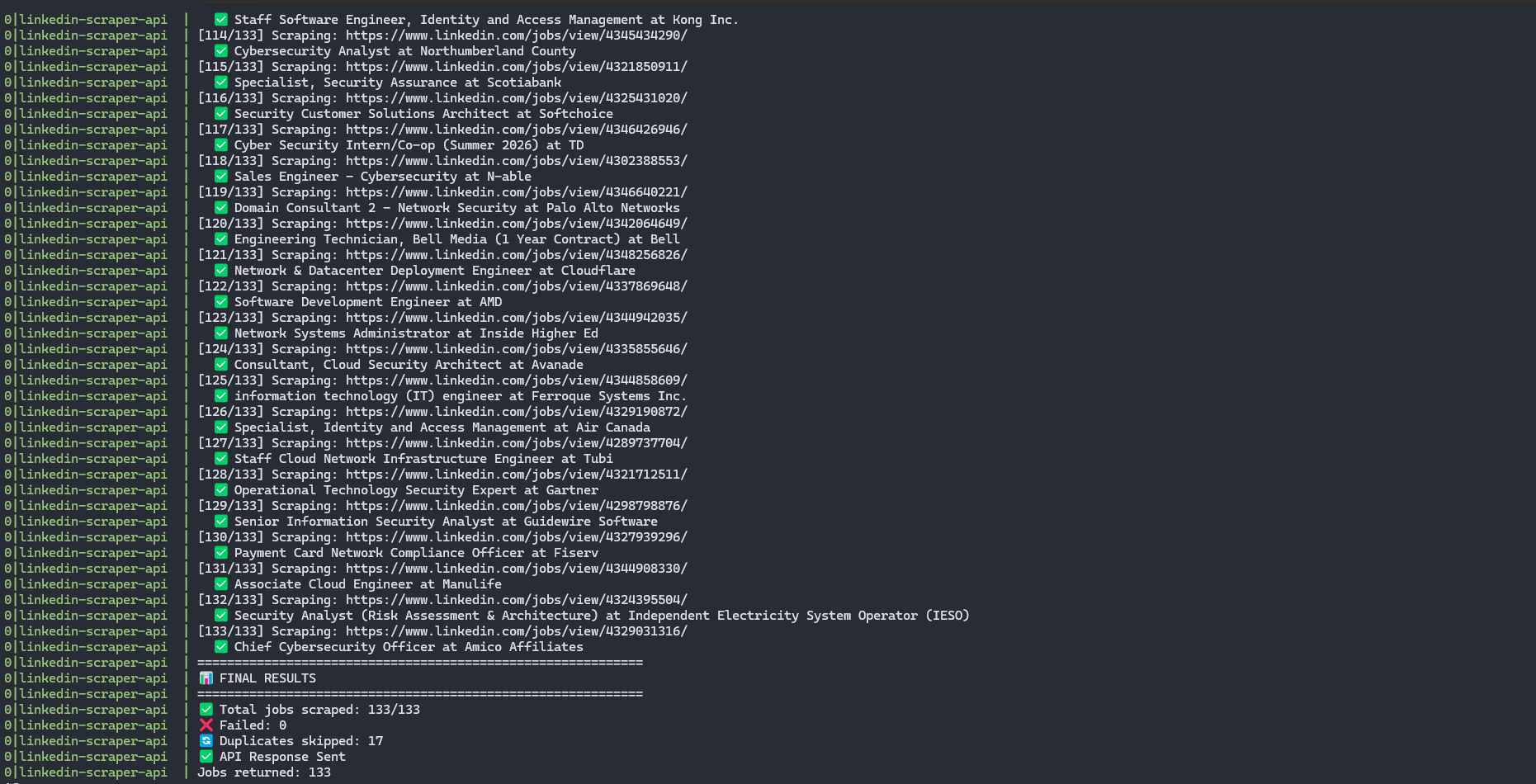
Stats after 3+ months of daily use:
- Speed: 8-10 min for 50 new jobs, <1 min if mostly duplicates
- Success rate: 95%+ (failures from LinkedIn security challenges)
- Volume: 3,000+ jobs processed
- Resource usage: ~300MB memory, ~20% CPU
Sample API Response:
{
  "success": true,
  "jobsScraped": 15,
  "duplicatesSkipped": 35,
  "jobs": [
    {
      "id": "3847562910",
      "title": "Security Analyst",
      "companyName": "Tech Solutions Inc",
      "applyUrl": "https://techsolutions.com/careers/apply/12345",
      "location": "Toronto, Ontario, Canada",
      "salaryInfo": "$70,000 - $90,000 / year",
      "applicantsCount": "47 applicants"
      // ... more fields
    }
  ]
}
Tech Stack
| Component | Version | Purpose |
|---|---|---|
| Node.js | 20.x | Runtime |
| Puppeteer | 24.31.0 | Browser automation |
| puppeteer-extra-plugin-stealth | 2.11.2 | Anti-detection |
| Express | 4.21.2 | REST API |
| Google Sheets API | v4 | Duplicate tracking |
Why Google Sheets?
- No database setup needed
- N8N workflow writes to same sheets
- Can manually review/edit in familiar interface
- Free and instant integration
Quick Start
# 1. Clone and install
git clone https://github.com/Murali2602/Projects.git
cd Projects/LinkedIn-Job-Scraper
npm install

# 2. One-time login
node login.js  # Browser opens, log in manually, auto-saves session

# 3. Start API
npm start

# 4. Scrape jobs
curl -X POST http://localhost:3000/scrape-jobs \
  -H "Content-Type: application/json" \
  -d '{"searchUrl": "https://linkedin.com/jobs/search?keywords=security", "targetCount": 25}'
Full documentation with Google Sheets integration, Docker deployment, and advanced config: GitHub
Integration with Job Automation
This scraper is the foundation of my automated job search system. It feeds structured data to my N8N workflow, which:
- Uses AI to analyze job fit (scores 0-100 based on my skills)
- Generates tailored resumes for qualified positions (65%+ match)
- Tracks everything in Google Sheets
The scraper handles the messy data collection so AI agents can focus on analysis and customization.
What I Learned:
- Sessions expire every 2-4 weeks (simple manual re-login beats complex automation)
- 2-3 second delays prevent rate limiting (patience > speed)
- LinkedIn's HTML is inconsistent (multiple fallback selectors essential)
- 10-15% of jobs lack clear application URLs (acceptable trade-off)
Future improvements: Automatic session refresh, multi-platform support (Indeed/Glassdoor), better salary parsing, company enrichment.
The code is open source and free to use. Check the GitHub repo for issues, suggestions, or contributions.